Made by you
Pick pages from the page store and fill them with your photos, your friends’ words and your voice. You set the order.
Candles to blow out, scratch cards, your timeline, a song in your own voice
When it’s done you get a code. They enter it to open the card
They open it on an iPhone. No app needed first
What is Surprise
Not a greeting card template
You pick the pages and set the order
It becomes an opening that moves and sings, made for one friend
Pick pages from the page store and fill them with your photos, your friends’ words and your voice. You set the order.
Blow out candles, scratch a card, watch the lyrics light up. Opening it is part of the surprise.
When it’s done you get a six-character code. Send it to them and they enter it to open the card. They don’t need the app first.
Page store
A card is made of several pages, sorted by category in the store
Preview any page before you choose it. Here are just a few
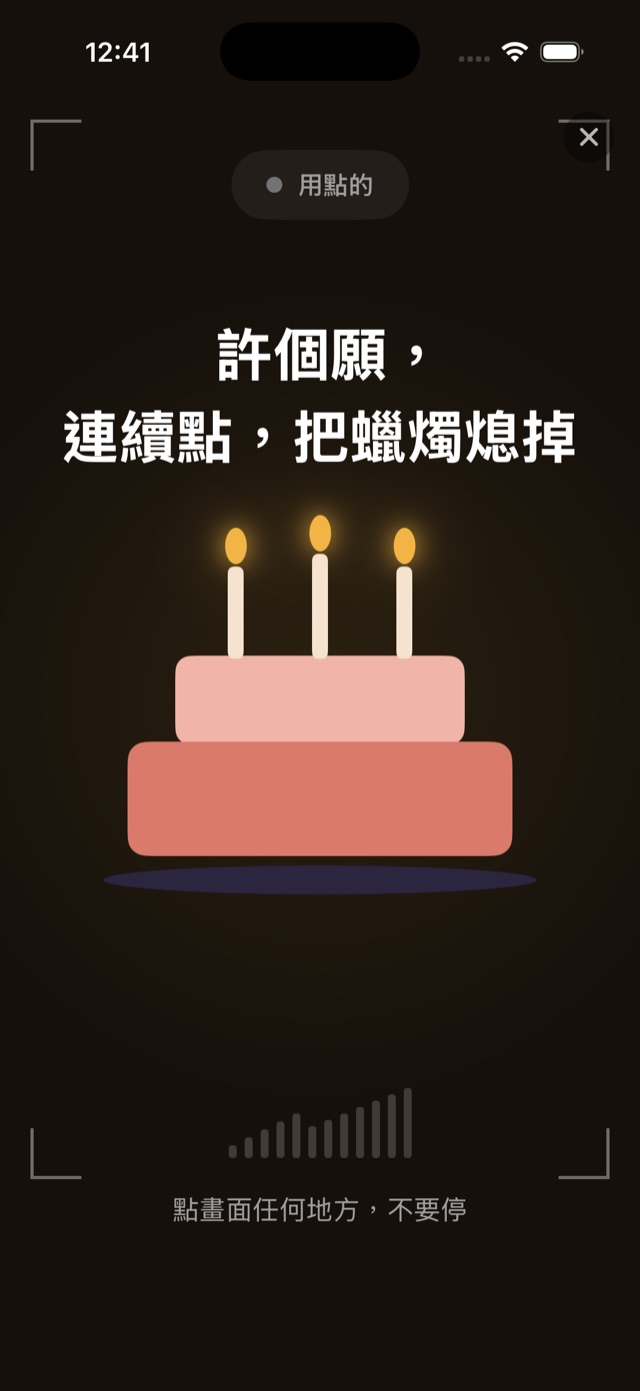
Blow on the phone to put out the candles. Make a wish, then on to the next page.
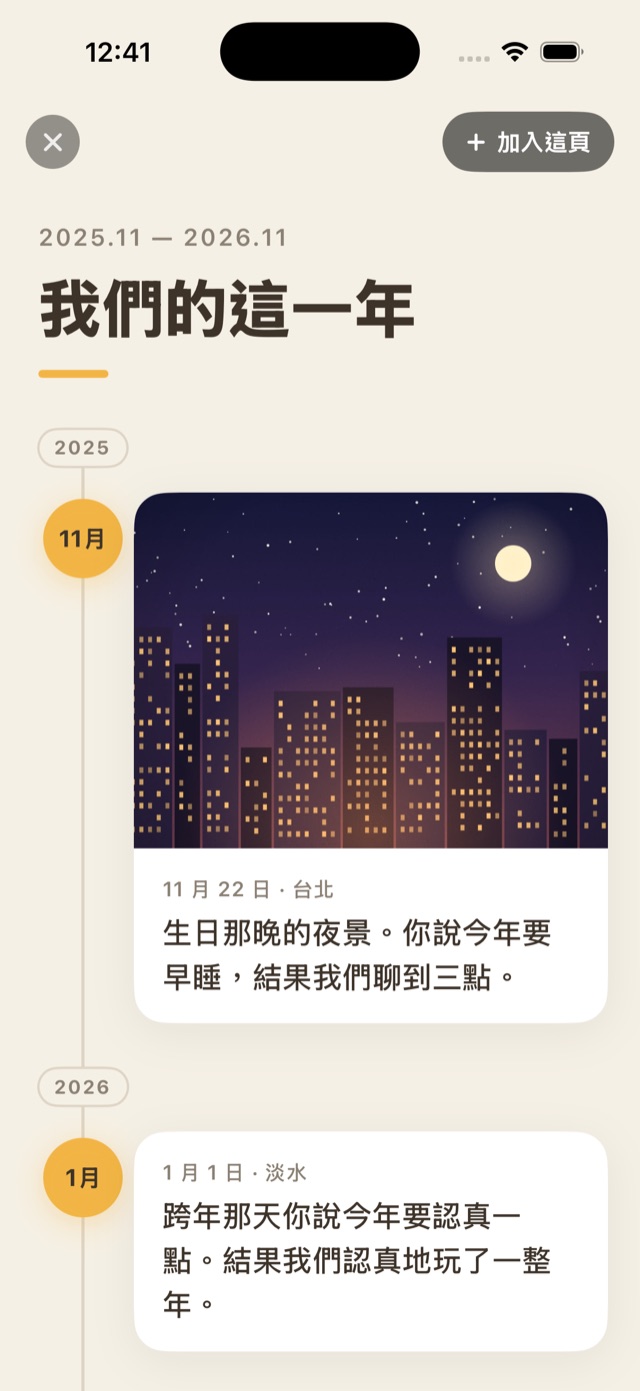
Photos and a line for each moment, in order. Your year together, scrolling up to today.
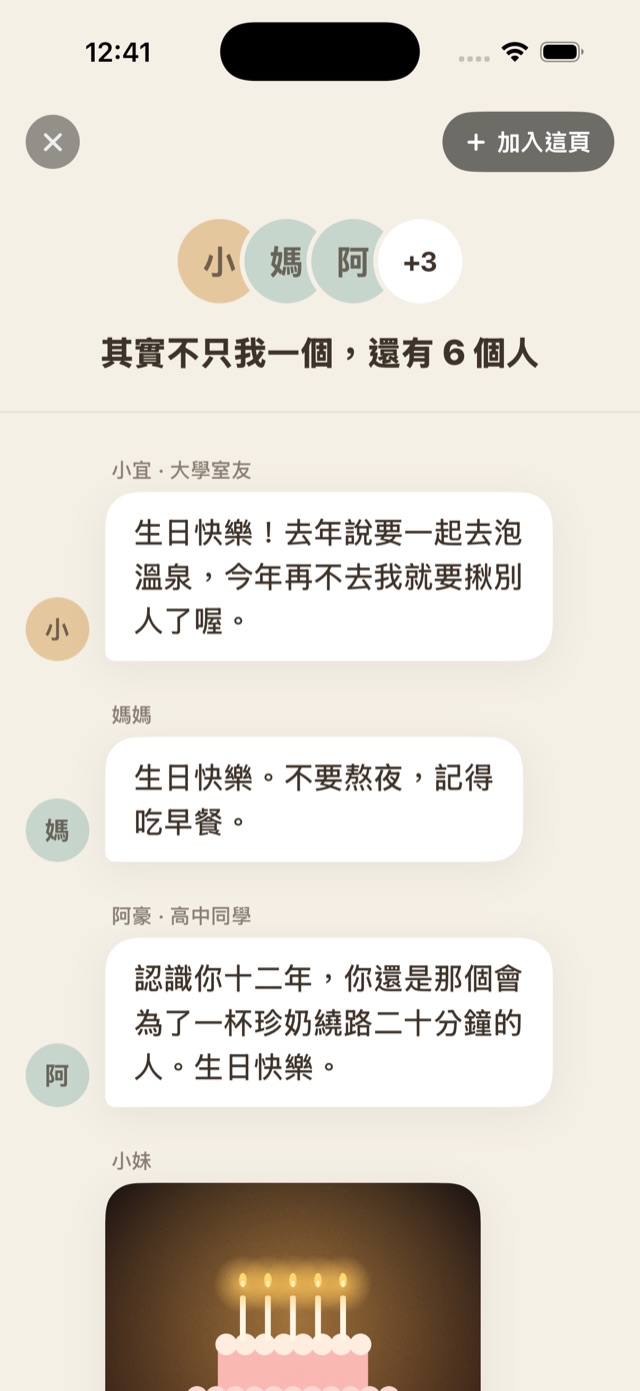
Everything your friends want to tell them, gathered on one page.
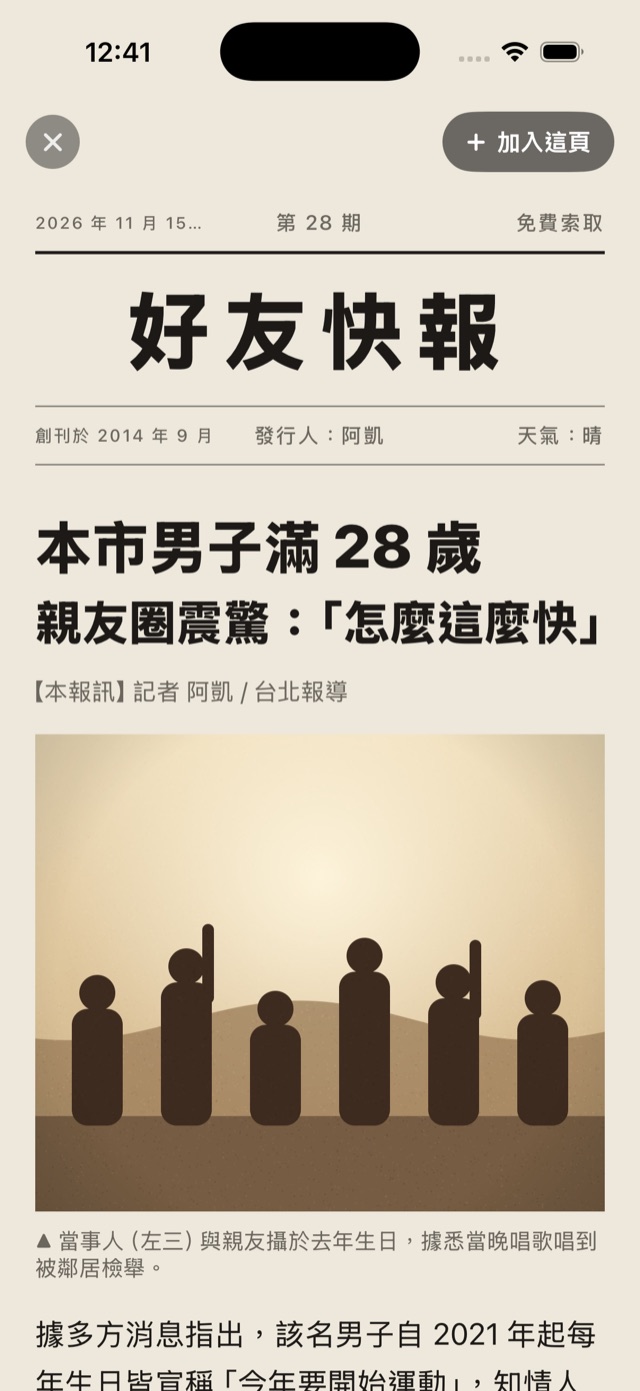
A daily paper with them as the headline. You write the headline, the photos and the story.
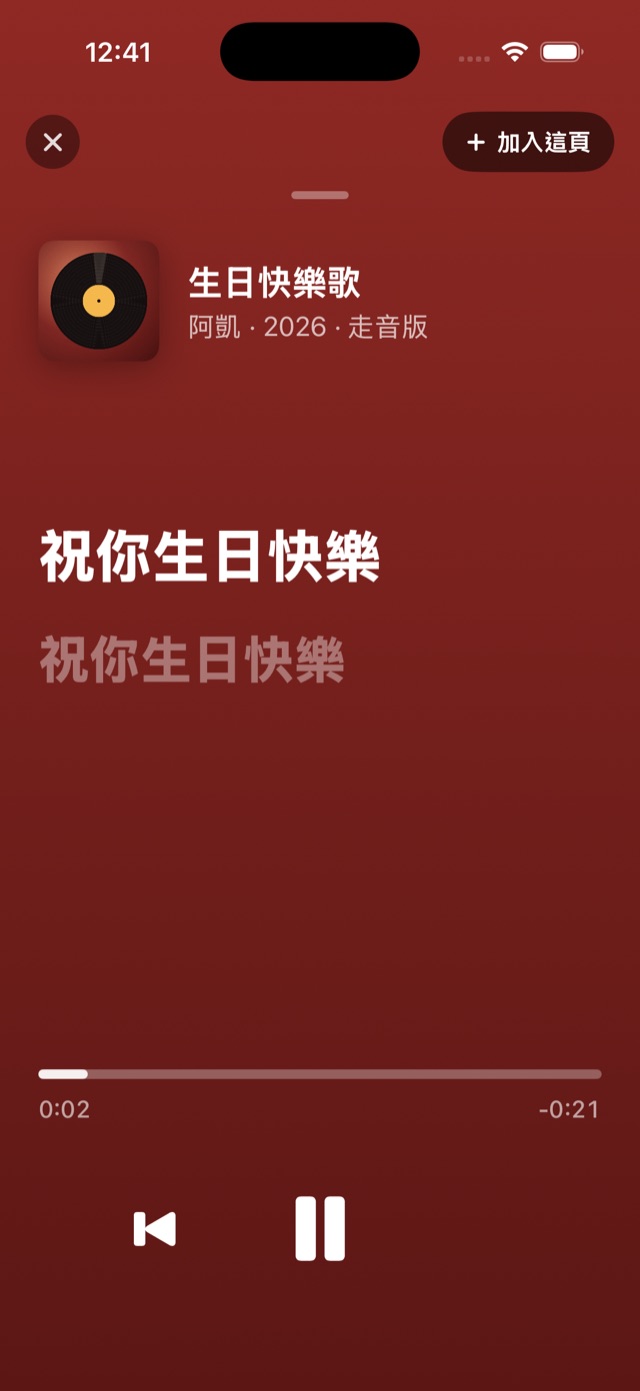
A song you sang yourself, with the lyrics lighting up as it plays.
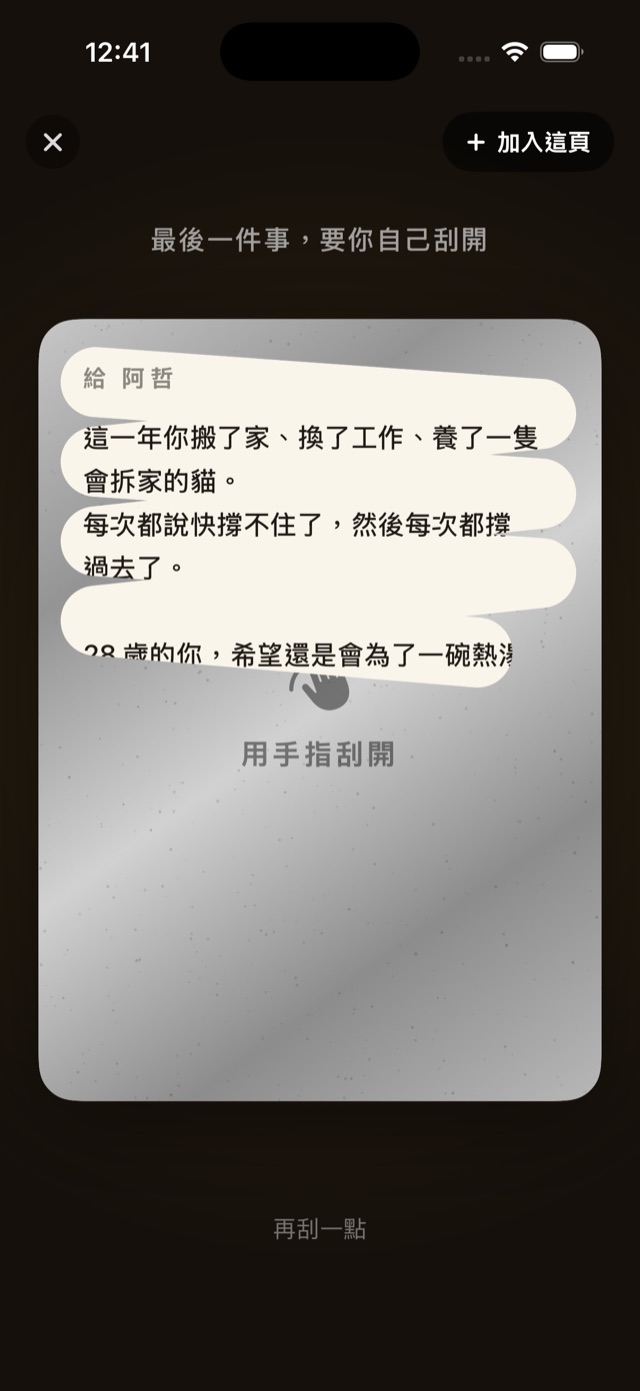
One last line they have to scratch off to see.
Open the page store in the app. You can preview every page before deciding to add it.
For any occasion
They don’t just tap open a picture. They get to unwrap a gift
Set an opening time. Until then, there’s a countdown.
The envelope opens and the card slowly slides out.
Every page is something you put there yourself.
How to send
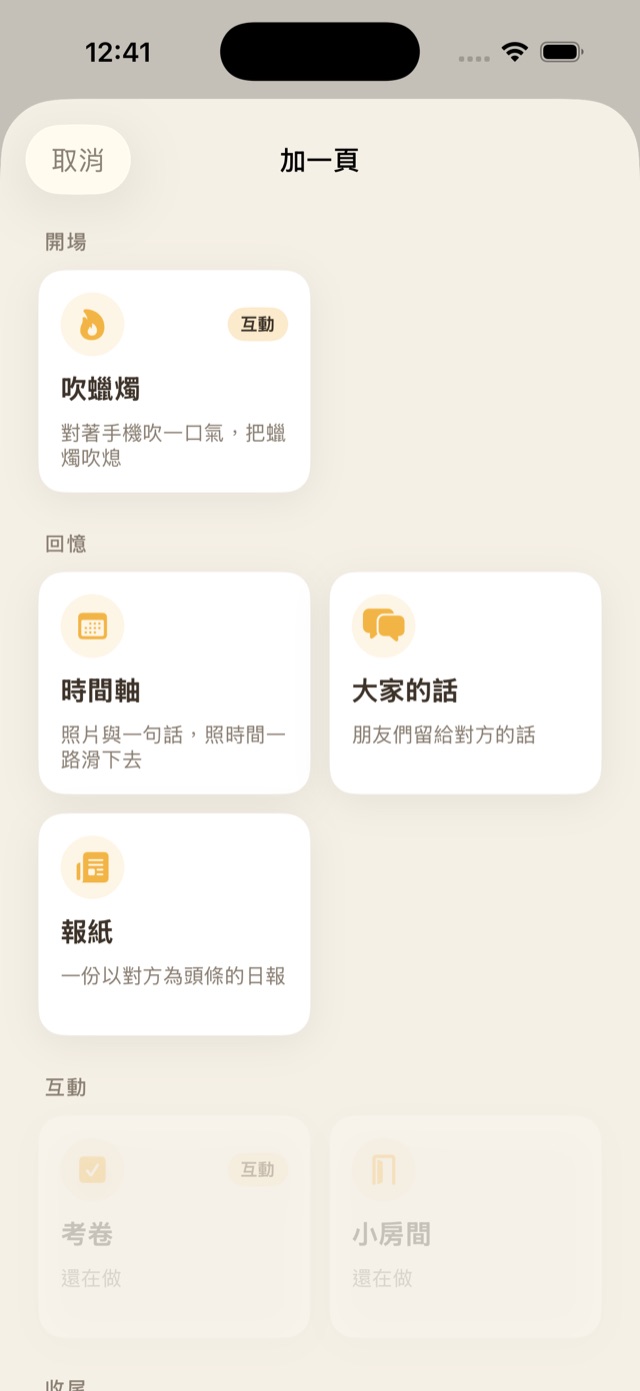
Pick pages, make it yourself
Choose from the page store and set the order.Get a six-character code
No files to send. Just a code.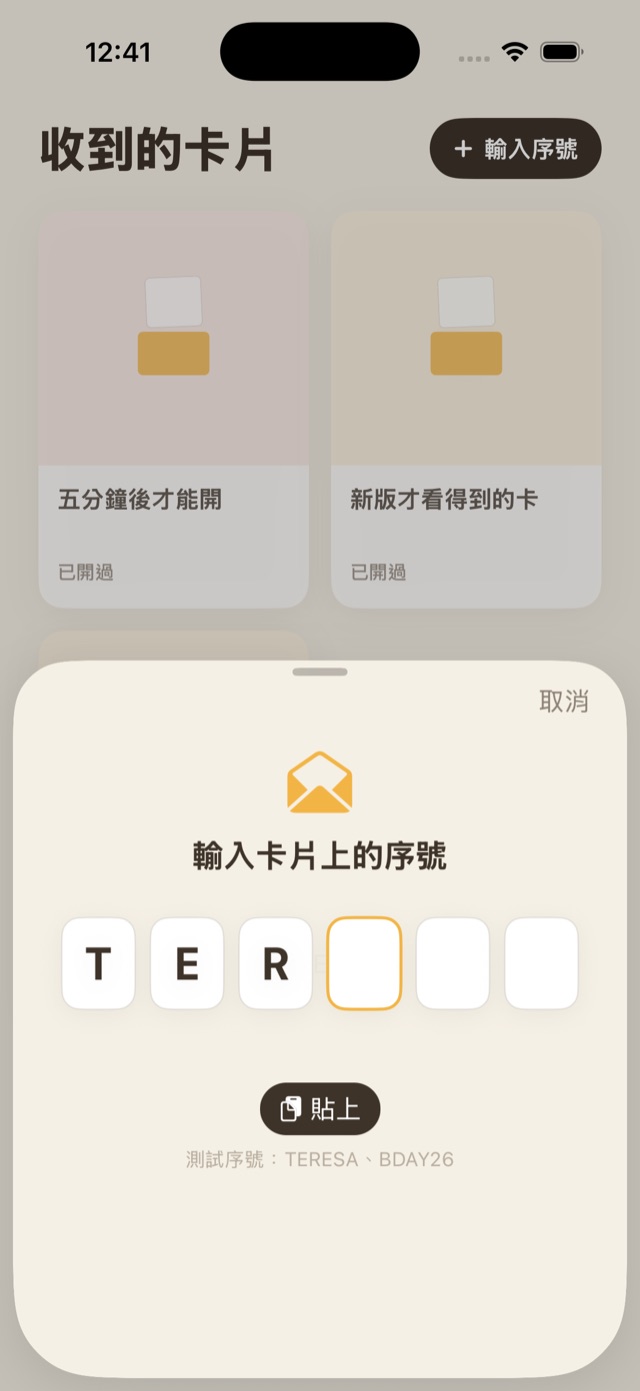
Send it to them
They enter it to open the card
You can also set an opening time, and until then they see a countdown. Once it’s open, they can watch it again for as long as your plan allows.
iOS 17.6 or laterSomeone has a surprise for you
3 days to go
12:04:31
It opens when the time comes
Blog
Surprise is an iPhone app for picking pages, adding your photos and your own voice, and making an e-card they have to unwrap with their own hands. When it's done you get a code, and they can open it without downloading anything. Here's how it works, what it costs, and what to know before you send one.
Make an animated birthday e-card on your phone: they blow out the candles, scratch off your last line, and hear you sing Happy Birthday. 6 steps with app screenshots, and they open it on an iPhone with one tap.
You can't be there, but you can still surprise them: 9 long-distance birthday surprise and gift ideas, how to handle time zones, and a step-by-step birthday timeline you can follow.
Make an animated card by hand. When it’s done you get a code, and they enter it to open the card.
Download on the App Store